Meshing for CFD
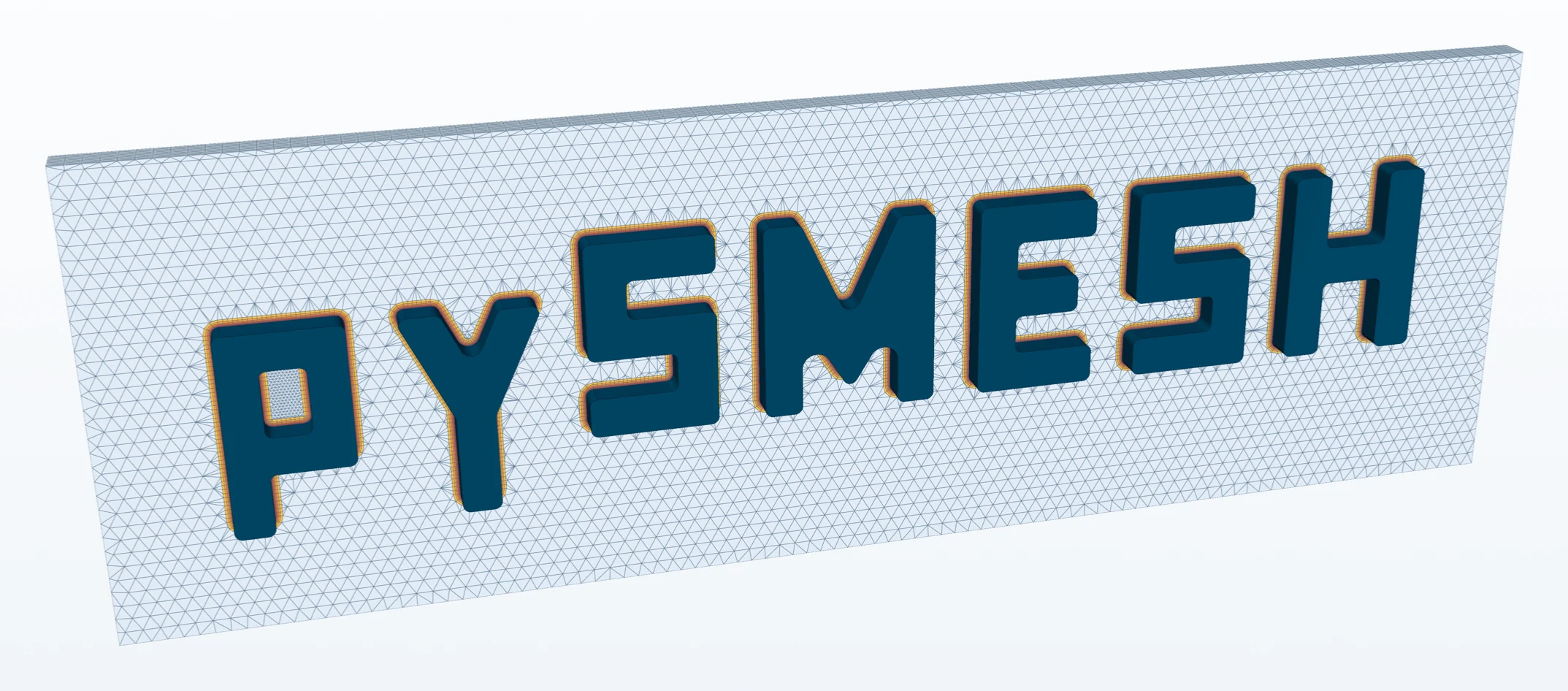
3D boundary-layer prism meshes with pySMESH. Structured meshes, anisotropic adaptation and quad surface meshes. SALOME SMESH and Open CASCADE are built into Flux.
Agent driven CFD. A complete, self contained simulation platform where engineers and AI agents work on the same goal.
Flux Engineering is a startup building CFD software by engineers, for engineers. One application takes you from CAD import through meshing and solving to post-processing.
Build or import the CAD and heal it.
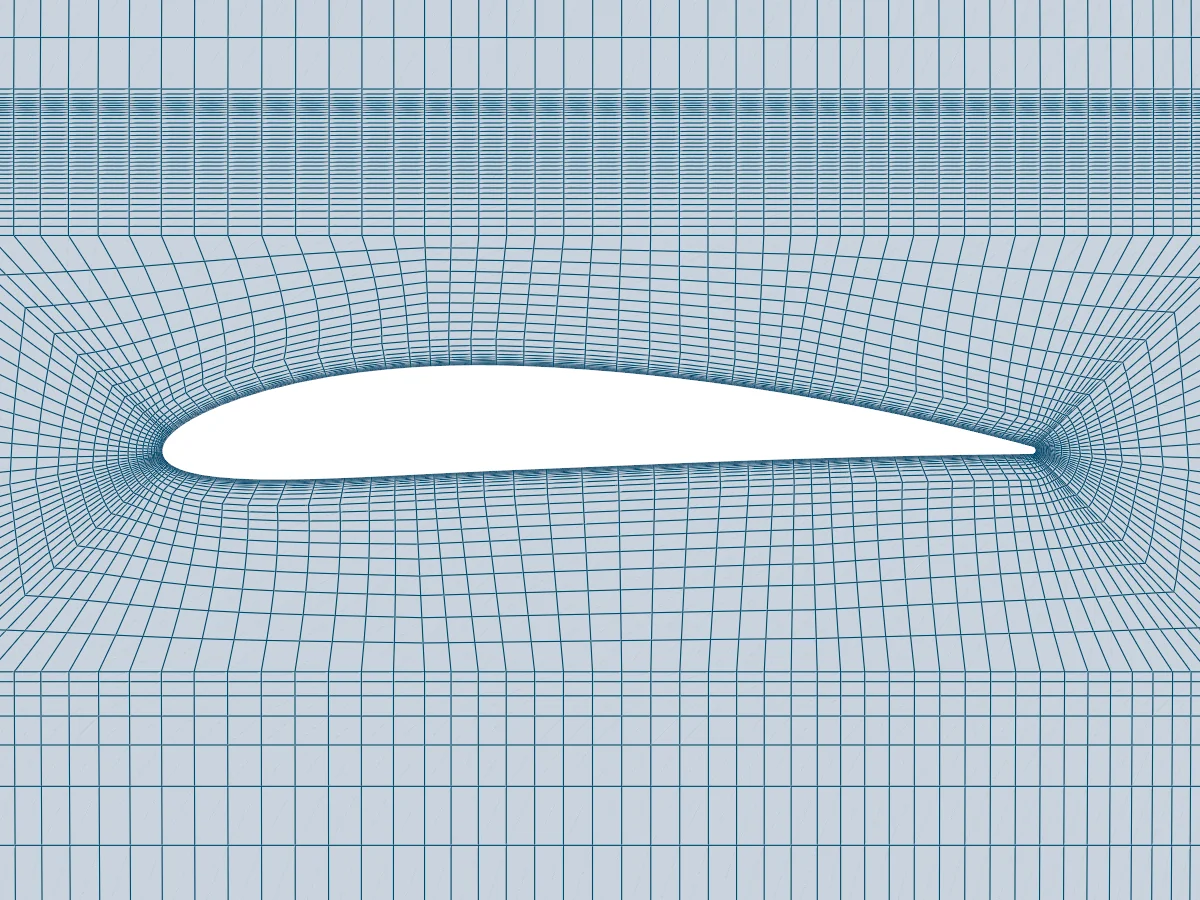
Structured, boundary-layer resolved meshes.
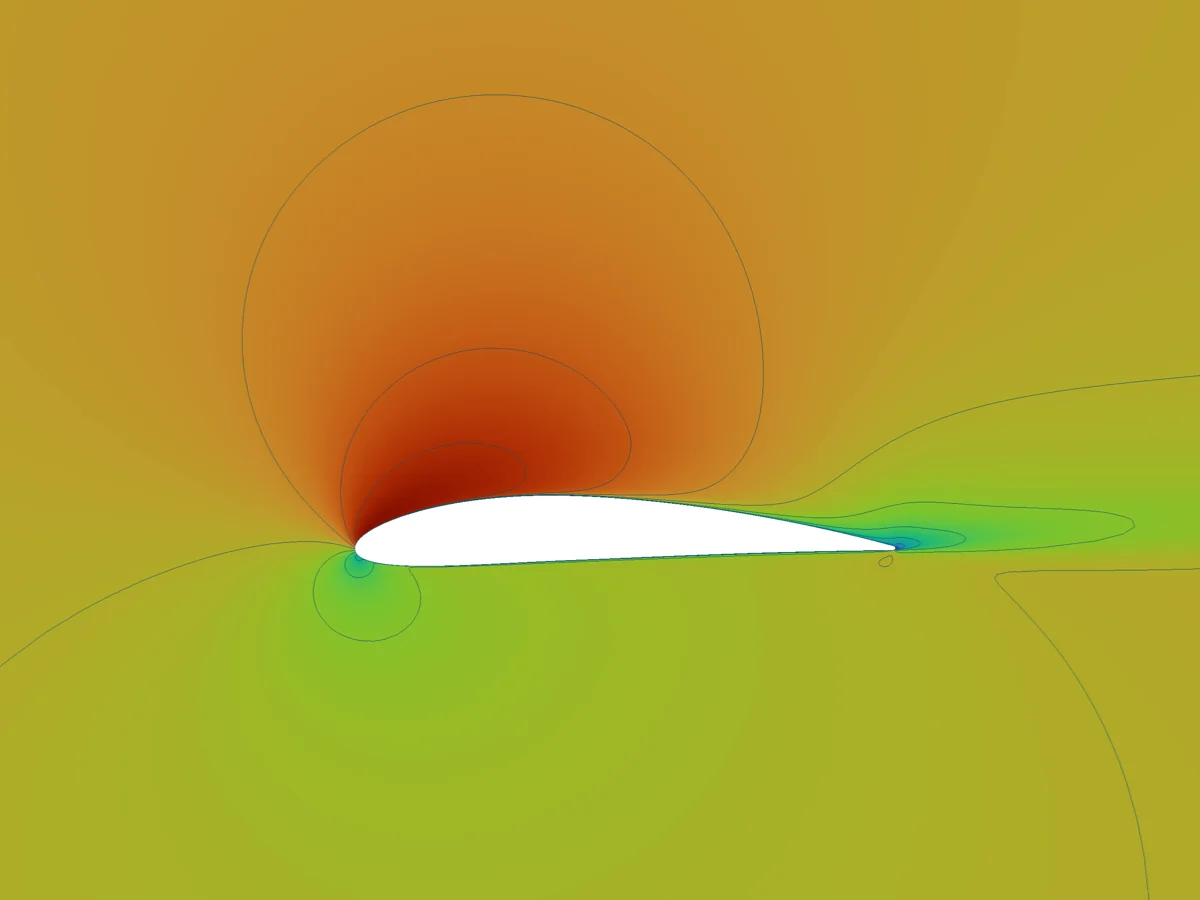
SU2 or XLB, on your own machine.
Surface pressure, fields, streamlines and forces.
Current software: accessible but expensive, or cheap but hard to implement.
Flux: accessible, AI driven and cheap.
The CFD market keeps growing, yet advanced simulation has priced out talented teams, startups and researchers for too long, and the software has barely changed in years. We use recent advances in AI to make the slow engineering workflow fast.
Flux will be free for non-commercial use, with no artificial limits. For commercial clients we offer a modular version for secure enterprise deployment that ensures data sovereignty.
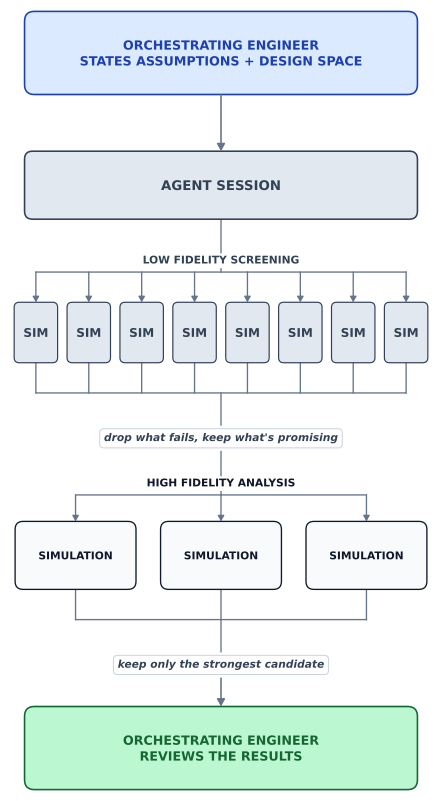
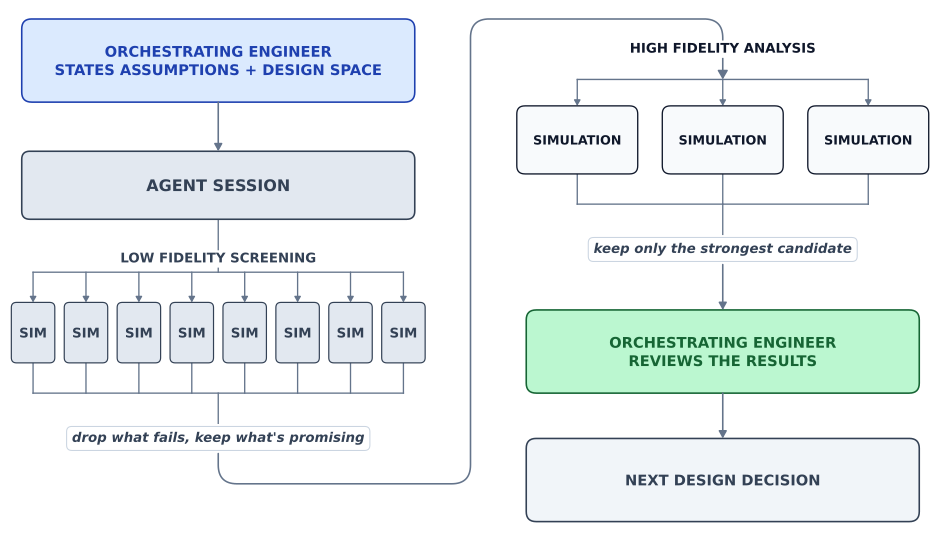
Engineers test a few configurations because every simulation takes hand work. In Flux, an agent will drive the whole workflow, from geometry to results, and test a large range of configurations in a short time. The decisions stay with you, made on data.
State the objective, the constraints and the range to test. For example: the highest maximum lift for a high-lift system, over flap and slat deflections, gaps and overlaps.
The agent proposes the configurations to run and the compute they need. Nothing starts before you approve it, and the limits you set are hard limits.
Geometry, mesh, solve and extracted results for every configuration: many fast runs first, the promising flap and slat settings verified at high fidelity. Every step is recorded.
You review the aggregated results and choose the configuration. Agent output is evidence, never sign-off.
3D boundary-layer prism meshes with pySMESH. Structured meshes, anisotropic adaptation and quad surface meshes. SALOME SMESH and Open CASCADE are built into Flux.
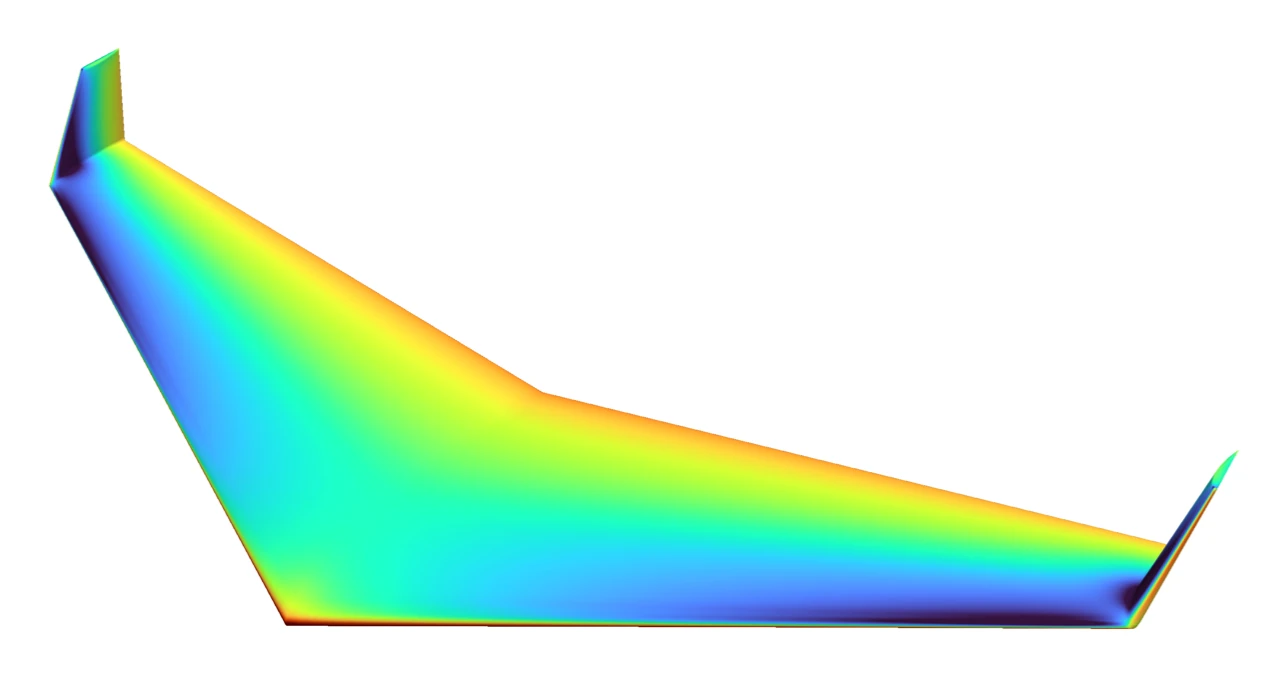
Deform the shape and see the predicted change in drag or lift at once. A full solve then verifies it. Built on the SU2 discrete adjoint. One adjoint solve gives the sensitivity of the objective to every surface point, however many design variables there are.
Import and repair CAD, mesh, solve and post-process in one Windows application. It runs locally, with no server and no cloud.
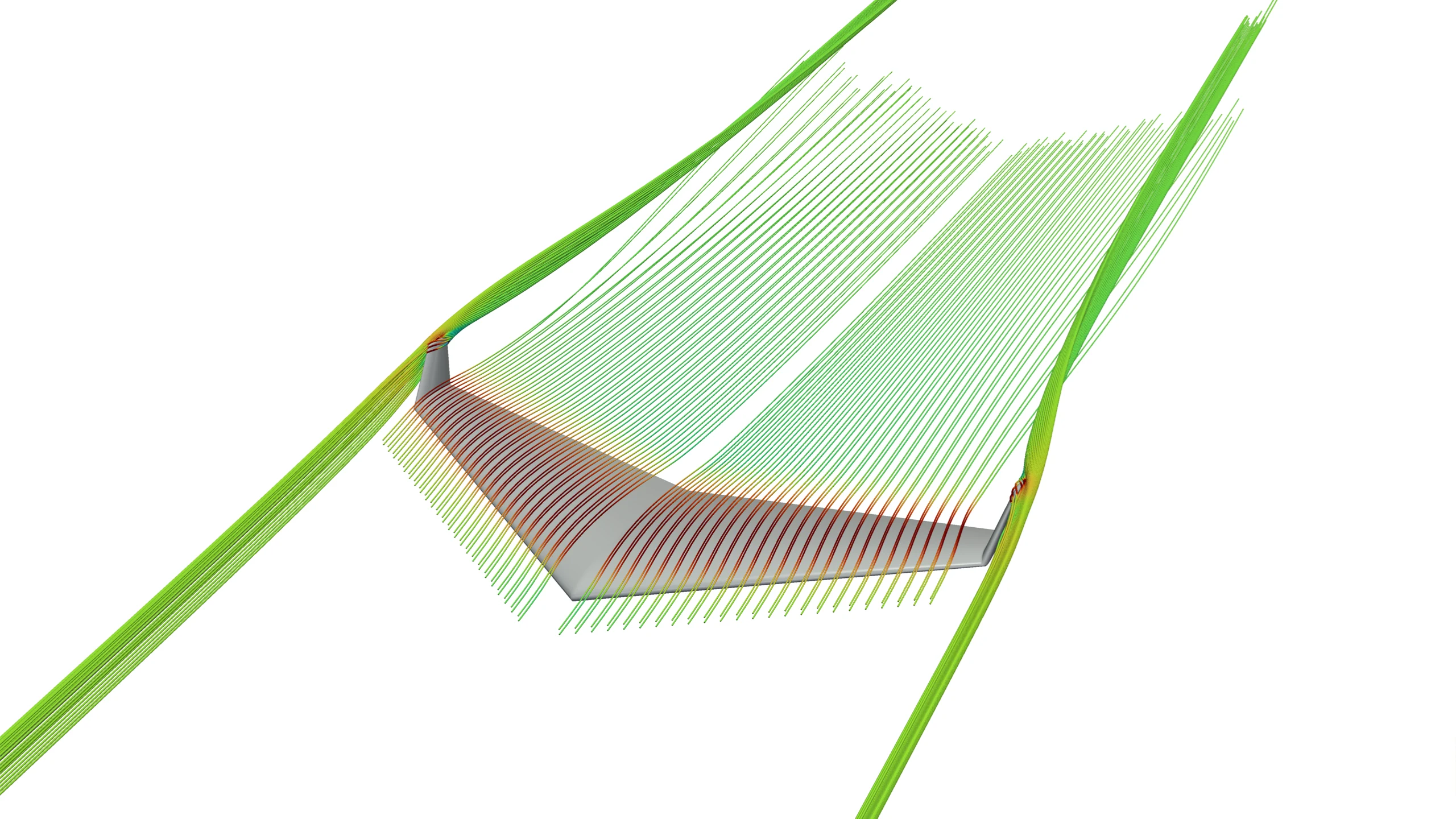
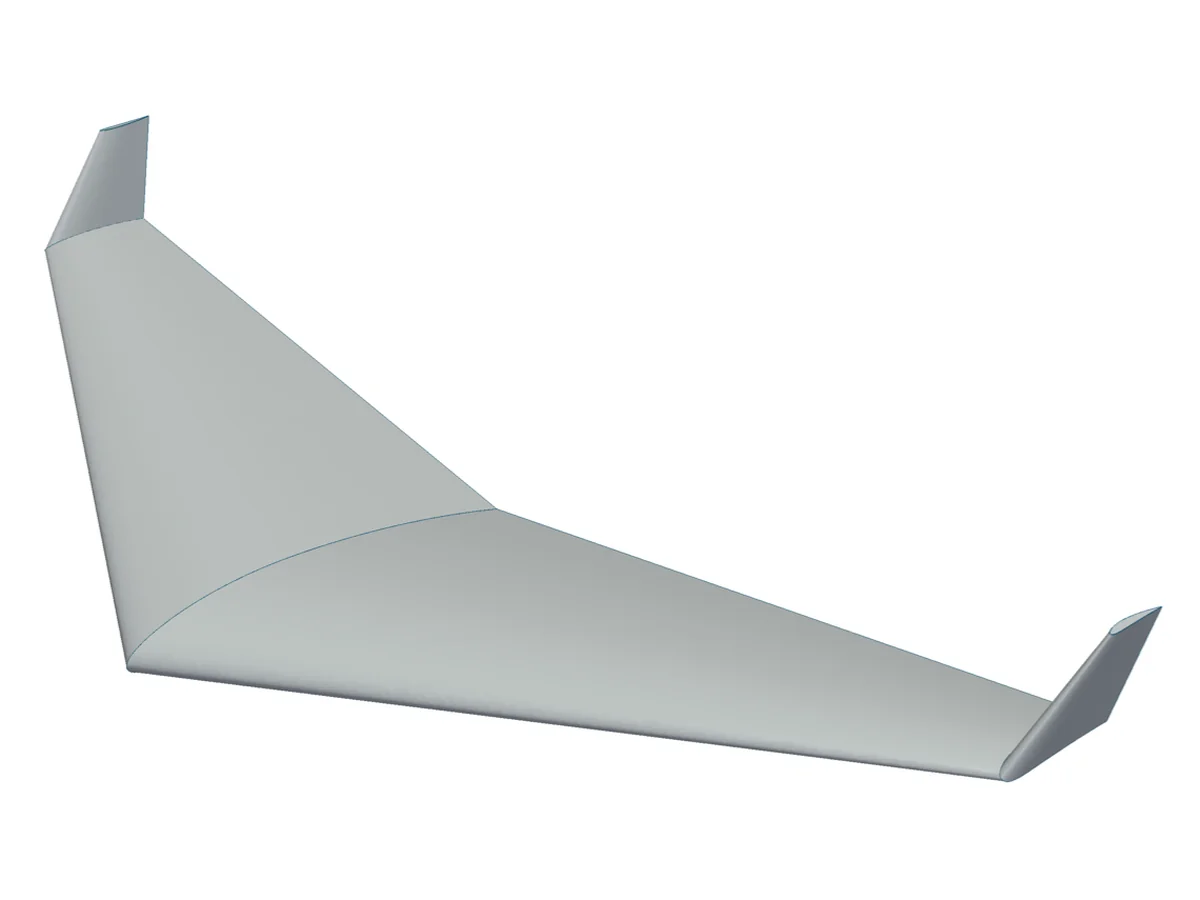
SU2 for steady and unsteady flow: RANS, URANS, DES and LES. XLB lattice Boltzmann on the GPU. Every SU2 solver and setting is available. Defaults are carefully set for maximum accuracy and speed. Pick the model the flow needs, as on the wing below.
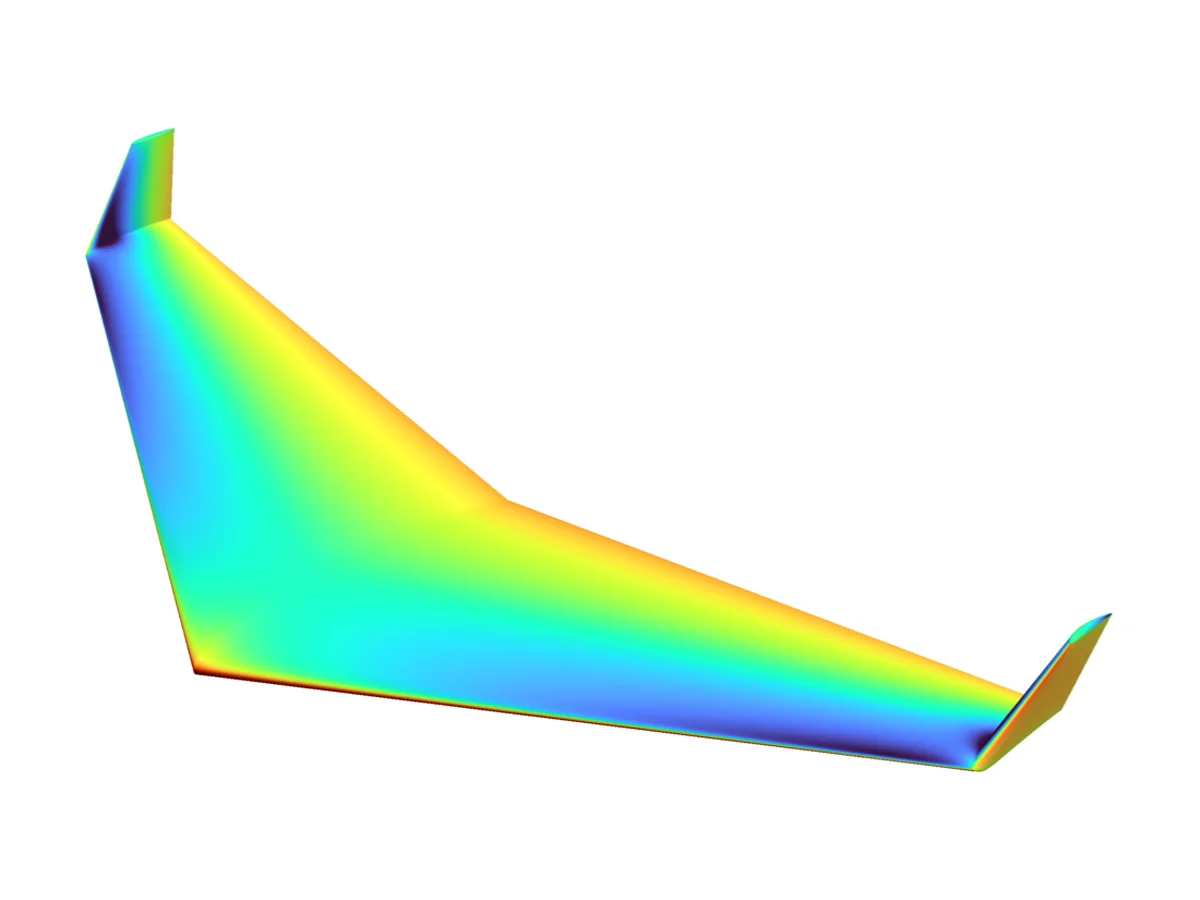
The same flying wing, solved two ways. RANS represents the attached flow, LES the separated flow. Switch between them and turn the wing around.
Loading the solution